
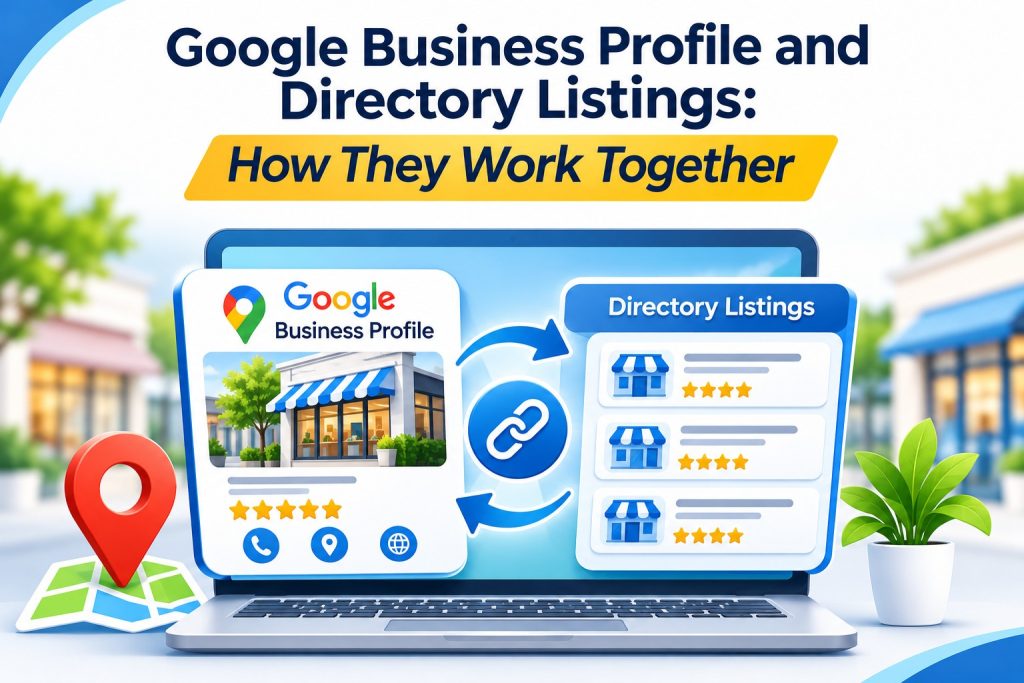
Google Business Profile and Directory Listings: How They Work Together
A kitchen remodeler finishes a beautiful project and the homeowner asks how to leave a review. The remodeler points them to Google, then wonders whether the other listings set up years ago still matter at all.
It is a reasonable question. Your Google Business Profile gets a lot of attention, but it is not the only place homeowners look for contractors. Understanding what each platform does helps you decide where to spend your limited time.
What Your Google Business Profile Does Well
A Google Business Profile controls how your company appears in Google Maps and in local results on Google Search. It shows your reviews, photos, hours, service areas, and contact options in one place, often before a customer visits your website.
Service-area businesses, such as remodelers, handymen, and painters who travel to clients, can list the areas they serve and hide a home address if they do not meet customers at their location. Google’s guidelines explain how to set this up correctly.
Where Directory Listings Fill the Gaps
Homeowners do not all search the same way. Some browse industry sites, some ask neighbors, and some explore online business directories by category to compare several providers at once. A well-maintained directory listing gives those people another way to find you and can send referral visits to your website.
Directory listings also add to your overall web presence. When your name, address, and phone number match across your Google Business Profile, website, and directories, customers can verify your details with confidence. A general directory such as Websolute, where homeowners can browse several local contractors side by side, is one example of this kind of supporting listing.
A Simple Upkeep Routine for Contractors
Set a reminder every three months to review your main listings. Update seasonal hours, add photos of recent projects, and remove services you no longer offer. Make sure your license number or insurance details are current wherever you display them.
Next, open the Home Improvement Services listings on Websolute and look at your profile the way a homeowner would. Is your service area clear? Does your description name the specific work you do, such as bathroom remodels, deck repair, or drywall installation, instead of just “home improvement”?
Conclusion
Your Google Business Profile and your directory listings serve different moments in a homeowner’s search. Keep both accurate and up to date, and treat them as parts of one consistent presence rather than separate chores. A short quarterly review is usually enough to catch problems before customers do.
Frequently Asked Questions
Is a Google Business Profile free?
Yes. Creating and managing a Google Business Profile is free. Google may ask you to verify that you own or manage the business, using methods such as a phone call, email, or video. Paid advertising on Google is a separate option and is not required to have a profile.
Can I list my home-based contracting business without showing my address?
Yes, if you serve customers at their locations rather than at your home. Google lets service-area businesses hide their street address and show the cities or regions they cover instead. Check each directory’s settings too, since many offer a similar option for home-based businesses.
Which should I update first, Google or my directory listings?
Start with your own website, then your Google Business Profile, since many customers see it first. After that, update your other directory listings. The order matters less than finishing the job, because a single outdated listing can still send a customer to the wrong phone number.
What photos work best for a home improvement listing?
Clear photos of finished projects work well, especially before-and-after pairs taken from the same angle. Add photos of your team, branded vehicles, or equipment to show you are an established local business. Use your own images rather than stock photos so customers see your actual work.